
 Rated 4.8/5
AI Video Color Correction
For real estate photographers who shoot video. Our AI learns your photo editing style and applies it to your video clips for perfect color.
Compatible with

*No credit card required
Pick a look
Or bring your own
AI Profiles by Imagen
Professionally trained looks, adapted clip by clip across your footage
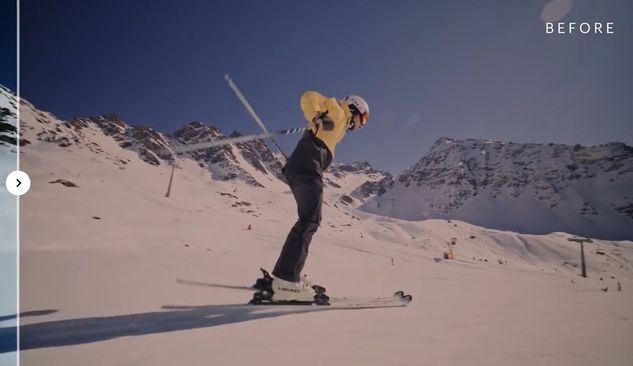
Motion of Light
Brightens your footage with strong contrast and vivid colors.
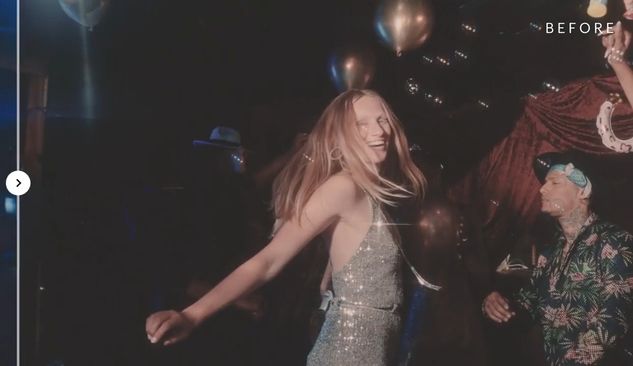
Frame One
Keeps brightness natural with deep contrast and accurate colors.
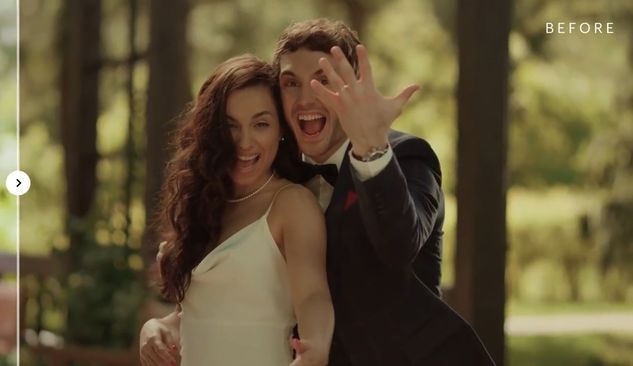
True to Life
Softens highlights for a dreamy feel with balanced contrast.
Have your own signature look?
Upload your LUTs and Imagen will adapt them to every clip in your footage.
Professional results that speak for themselves
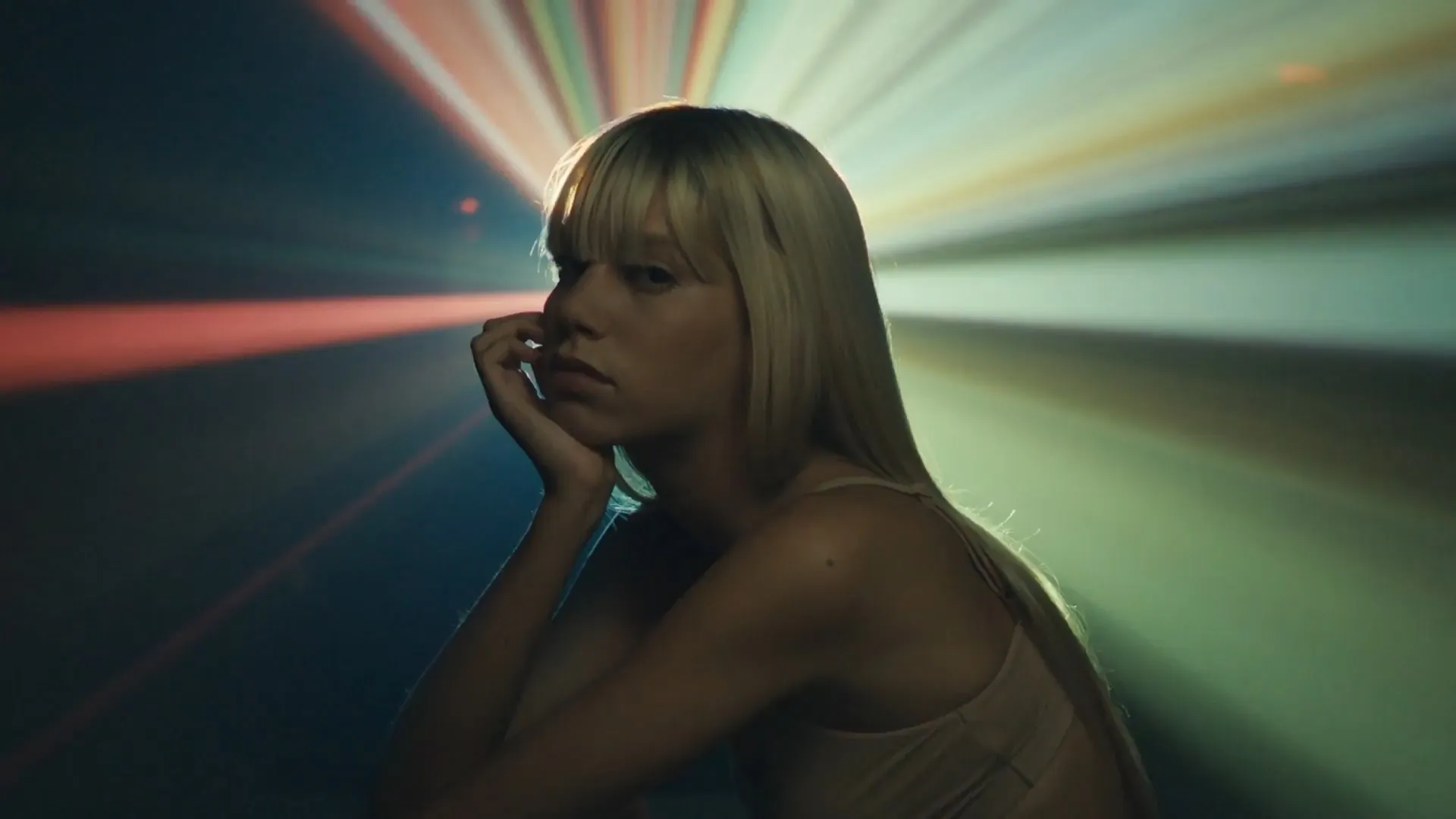
The difference you’ll feel on a Friday afternoon
Deliver galleries by 9 AM
You shoot all day, we edit all night. Upload your photos when you get home, and we'll have the full gallery ready for you by 9 AM. Imagen edits 1,000 photos in under 20 minutes.
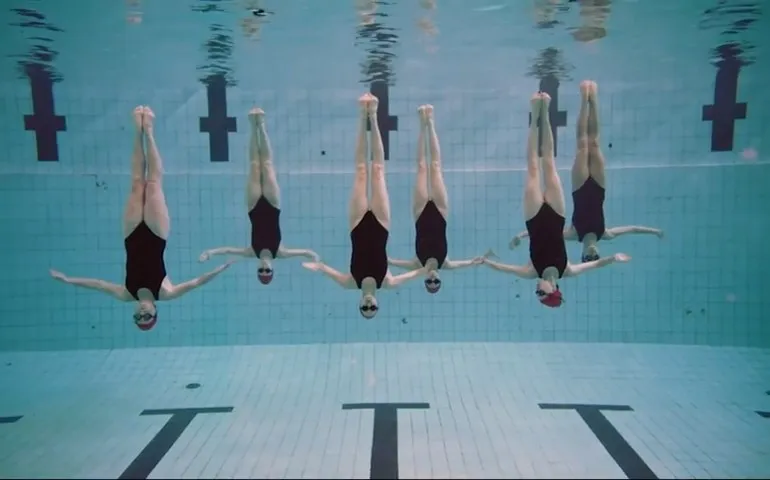
Scale your team, not your work
As your team grows, your look stays the same. Your AI Profile applies your signature style to every photo, so you get total brand consistency across all photographers and listings.
Used by editors who got their weekends back

“I was blending shots from different cameras. Imagen blended everything well together. It’s almost too easy”
“Wow. The color correction turned out much better than I expected. Thank you for creating this.”
“I love this software. Cut down my coloring time to mere minutes.”
“I was blending shots from different cameras where student workers used different settings- one in Log, one in auto color.”
“I’ll shoot interviews with two or three cameras, all Sony, using Sony glass- but they never match perfectly.”
“This was great! Nearly spot on in terms of exposure, shadows, highlights, blacks, etc.”
Black Friday offers
Simple plans. Serious results
Good color used to cost a fortune in time. This doesn’t.
Pay-As-You-Go
Black Friday
No commitment. Just process minutes when you need them.
Was US$1now US$0.60/minuteInvoiced monthly
No base fee. Pay only for the minutes you process.
Start for free- Grade any project, pay only for what you use
- Full access to AI Profiles and LUT-based grading
- Perfect for project-based work
- Cancel anytime
Best value
Starter Pack
Black Friday
For editors with consistent workloads. Grade more, pay less per minute.
Was US$30now US$18/monthIncludes 50 minutes (US$0.36 per min)
Extra minutes for just US$0.60 / min
Start for free- Unused minutes roll over
- Full access to AI Profiles and LUT-based grading
- Best per-minute rate
- Cancel anytime
Bigger teams.
Smarter rates.
Talk to us
* Custom pricing
Contact sales- Better rates as your team grows
- Every editor on one account
- One invoice. Zero admin headaches
- Dedicated account support
You’re probably wondering...
What is image2image technology and how does it apply to real estate photography?
Our image2image technology is a process where an AI learns the stylistic properties of a reference photo you provide and intelligently applies them to other images. For real estate photographers, this means you can perfect one 'hero' shot from a property, and our AI uses it as a blueprint for the entire shoot. It analyzes your ideal color, contrast, and light, then replicates that look across different rooms and lighting conditions. This achieves remarkable consistency in your color correction, keeping every photo in the listing feels cohesive. It's not a simple filter, it's an adaptive process. This same core technology powers your Personal AI Profile, which learns your unique style from thousands of your best edits to provide that perfect look every time you upload a new job.
How is using image2image different from applying a standard Lightroom preset?
The critical difference is that image2image is dynamic, while presets are static. A preset applies the exact same set of adjustments to every photo, which is why it might look great on a bright exterior but fail in a dimly lit room. Our image2image technology, on the other hand, analyzes your reference photo to understand your desired final look. It then studies each new photo's unique lighting and content to calculate a custom set of edits to match that look. This keeps true color correction consistency across an entire property. It’s an intelligent adaptation, not a rigid formula. Your Personal AI Profile uses this approach to learn your artistic intent, not just a fixed group of slider settings, giving you a bespoke edit every time.
Can I use image2image to batch edit an entire property shoot?
Yes, batch editing is where image2image provides the most significant impact for real estate photographers. You simply edit one key image from a property to perfection and set it as the reference. The AI then applies that specific style across your entire gallery, from wide shots of the living room to detailed shots of the kitchen. This process guarantees absolute consistency in your color correction, a vital element for a professional listing. Instead of manually tweaking each photo to match, you let the AI do the demanding work. This is how your Personal AI Profile operates on a larger scale, using image2image principles to apply your signature style with perfect consistency across all your jobs, delivering cohesive galleries in a fraction of the time.
Does image2image work with my specific camera's RAW files?
Absolutely. Our image2image technology is designed to work directly with RAW files from all major camera manufacturers. In fact, working with RAW files gives the AI the most data to work with, resulting in the highest quality color correction and dynamic range adjustments. When you create your Personal AI Profile, you train it on your edited RAW files (via Lightroom catalog), so it learns precisely how you manipulate the original data. This means the AI isn't just guessing, it's performing the same kind of nuanced adjustments you would. This process ensures maximum consistency and quality, giving you a final product that looks like you edited it yourself, only much faster. You get all the benefits of RAW without the tedious manual labor on every single file.
How much time can I save on a typical listing by using image2image?
You can reduce your editing time by up to 95% on a typical real estate listing. Think about your current workflow: you edit one photo, then you try to sync settings, and then you spend hours manually adjusting each subsequent photo to get the color correction just right. With our image2image technology, you do the creative work once. You perfect your hero image, and the AI handles the repetitive task of matching that style with perfect consistency. What used to take you 3-4 hours can now be done in minutes. Your Personal AI Profile takes this even further by acting as your built-in reference, so you don't even have to edit the hero shot. This allows you to deliver stunning, consistent galleries to your clients faster than ever.
Do I lose creative control when using image2image for color correction?
No, you actually gain more control over what matters most: the final look. The image2image process starts with your creative decision. You are the one who edits the reference photo, defining the exact style you want for the project. The AI's job is not to be creative, but to execute your vision with speed and precision across the rest of the photos. This frees you from the tedious, repetitive task of manual color correction and matching. You set the standard, and the AI maintains that standard with perfect consistency. And of course, you always have the final say. You can easily make minor tweaks to the AI's edits in Lightroom, keeping every image is perfect. It's your style, automated.
What makes a good reference image for the image2image process?
A great reference image is one that perfectly represents your final vision for the entire shoot. Choose a photo with a good mix of highlights, shadows, and midtones, as well as accurate colors. For real estate, a well-lit shot of the main living area or kitchen often works best. Your color correction on this image should be exactly what you want to see everywhere else. The AI will learn everything from this photo: your white balance preference, your approach to contrast, and how you treat colors like wall paint and foliage. The more representative your reference is, the better the AI can maintain consistency across the entire gallery. Your Personal AI Profile is essentially built from thousands of your best reference images, creating the ultimate guide for every edit.
How does my Personal AI Profile use image2image technology?
Your Personal AI Profile is the ultimate application of our image2image technology. Instead of using a single photo from a shoot as a reference, your AI Profile acts as a 'master reference' built from at least 1,000 of your best, previously edited images. We analyze your entire catalog to build a deep understanding of your unique editing style in countless lighting scenarios. When you submit a new shoot, the AI uses this learned knowledge—your Personal AI Profile—as the reference. It then performs a sophisticated image2image color correction on each new photo to match your signature look. This sends back incredible consistency not just within one gallery, but across every single job you do. It's your personal editing style, available on demand.
How does image2image maintain color consistency between different lighting conditions?
This is one of the biggest advantages over traditional presets. An image2image process doesn't just copy and paste settings. It analyzes the content, colors, and lighting of both your reference photo and each new photo. It understands that a daylight exterior shot has a different color cast than a tungsten-lit interior. Instead of applying a single, rigid set of rules, the AI calculates a unique adjustment for each photo to achieve the *feeling* and *style* of your reference. This intelligent color correction is what keeps true consistency. Your Personal AI Profile has learned from thousands of your edits how you handle these different lighting situations, so it can make those complex adjustments automatically, ensuring your blues, whites, and wood tones look correct and cohesive throughout the entire property tour.
Can the same principles behind image2image be used for AI video color correction?
Yes, the core concept is directly applicable and represents the future of video editing. Just as image2image for photos uses a reference still to guide the look of a gallery, AI video color correction can use a reference frame or a pre-built style guide to grade an entire video clip. The AI analyzes the color and light of each frame in the video and applies dynamic adjustments to maintain a consistent, professional look from start to finish. This solves the massive challenge of color shifts as a camera moves through different lighting environments in a property walkthrough. This technology allows for a level of consistency in video that was once only achievable through hours of painstaking, frame-by-frame manual color correction. It's the same principle of intelligent, adaptive editing applied to moving pictures.