
 Rated 4.8/5
AI Premiere Pro Color Grading, Clip by Clip
For video editors and studios cutting in Premiere Pro or DaVinci Resolve: grade every clip in your own style automatically, while you keep editing.
Compatible with

*No credit card required
Pick a look
Or bring your own
AI Profiles by Imagen
Professionally trained looks, adapted clip by clip across your footage
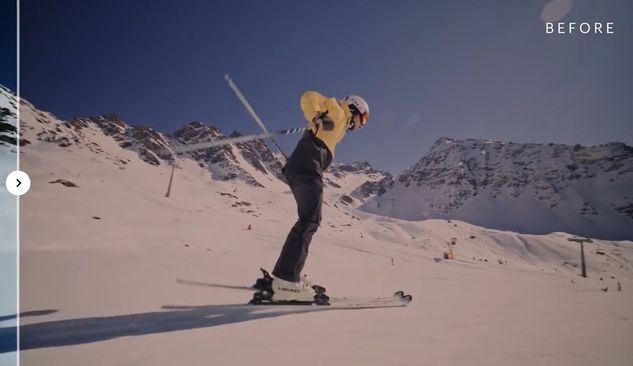
Motion of Light
Brightens your footage with strong contrast and vivid colors.
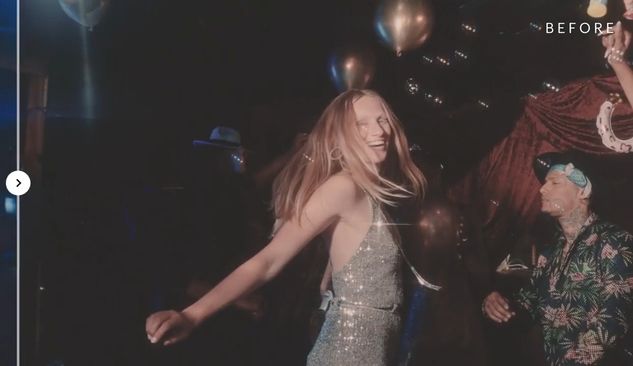
Frame One
Keeps brightness natural with deep contrast and accurate colors.
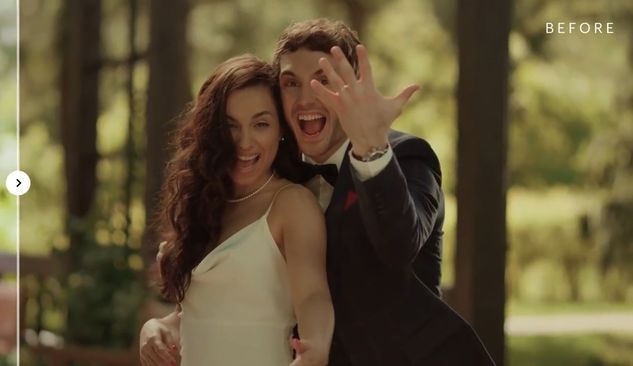
True to Life
Softens highlights for a dreamy feel with balanced contrast.
Have your own signature look?
Upload your LUTs and Imagen will adapt them to every clip in your footage.
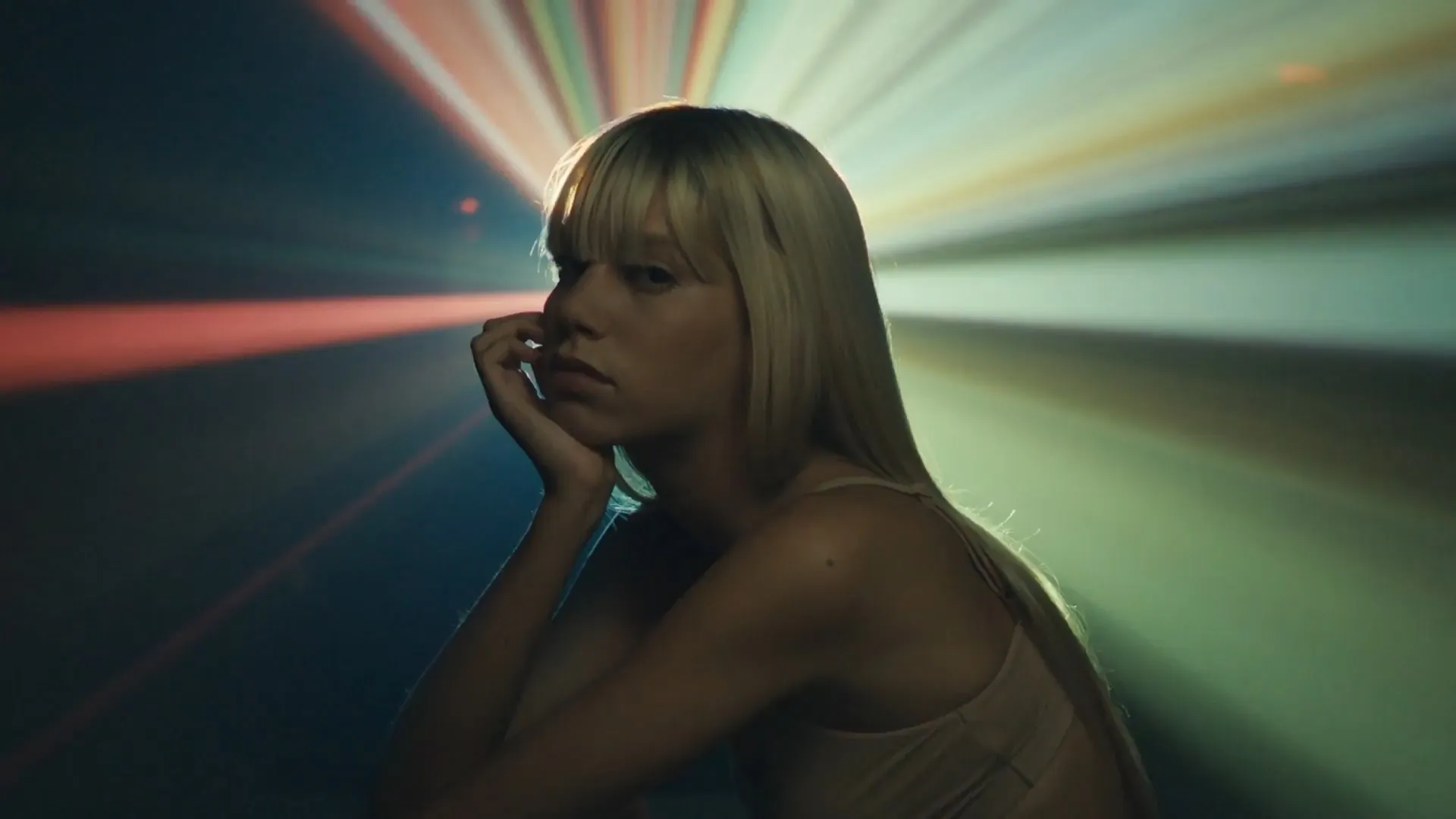
Professional results that speak for themselves
The difference you’ll feel on a Friday afternoon
Not Installed Inside Your NLE
Imagen runs alongside Adobe Premiere Pro and DaVinci Resolve, not inside either one. Keep cutting in your usual editor, send footage to Imagen, and get clips back graded in your own color style, ready to drop into your sequence.
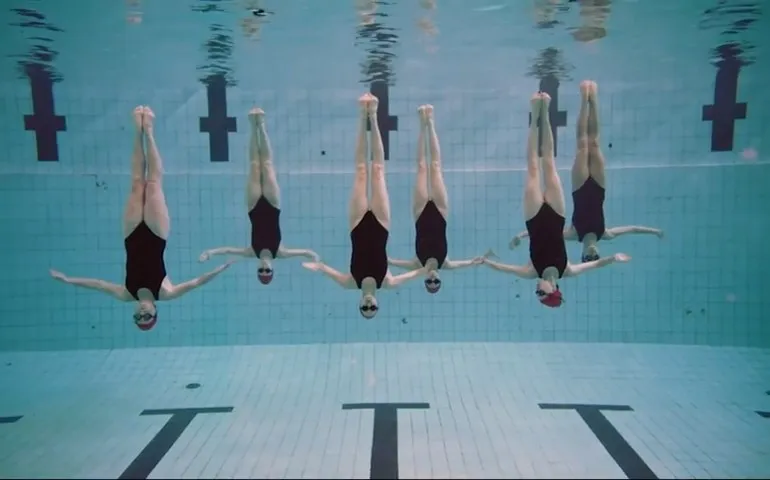
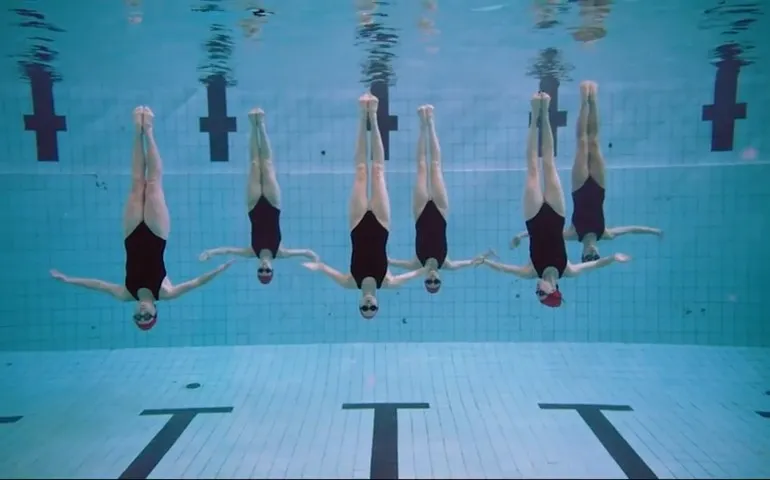
Every Clip Graded to Match
Imagen learns your color style from footage you already graded and applies it clip by clip across a whole shoot. Skin tones, exposure, and mood stay consistent from the first clip to the last, even across multiple cameras.
Used by editors who got their weekends back

“I was blending shots from different cameras. Imagen blended everything well together. It’s almost too easy”
“Wow. The color correction turned out much better than I expected. Thank you for creating this.”
“I love this software. Cut down my coloring time to mere minutes.”
“I was blending shots from different cameras where student workers used different settings- one in Log, one in auto color.”
“I’ll shoot interviews with two or three cameras, all Sony, using Sony glass- but they never match perfectly.”
“This was great! Nearly spot on in terms of exposure, shadows, highlights, blacks, etc.”
Black Friday offers
Simple plans. Serious results
Good color used to cost a fortune in time. This doesn’t.
Pay-As-You-Go
Black Friday
No commitment. Just process minutes when you need them.
Was US$1now US$0.60/minuteInvoiced monthly
No base fee. Pay only for the minutes you process.
Start for free- Grade any project, pay only for what you use
- Full access to AI Profiles and LUT-based grading
- Perfect for project-based work
- Cancel anytime
Best value
Starter Pack
Black Friday
For editors with consistent workloads. Grade more, pay less per minute.
Was US$30now US$18/monthIncludes 50 minutes (US$0.36 per min)
Extra minutes for just US$0.60 / min
Start for free- Unused minutes roll over
- Full access to AI Profiles and LUT-based grading
- Best per-minute rate
- Cancel anytime
Bigger teams.
Smarter rates.
Talk to us
* Custom pricing
Contact sales- Better rates as your team grows
- Every editor on one account
- One invoice. Zero admin headaches
- Dedicated account support
You’re probably wondering...
Is Imagen installed inside Premiere Pro like an add-on?
No, Imagen is not installed inside Premiere Pro at all. It is AI color grading designed for Adobe Premiere Pro and DaVinci Resolve workflows that works alongside your editor rather than inside it. You send footage to Imagen, it grades your clips in your own color style, and you bring the graded clips back into your project to keep editing. Editors like this because there is nothing to install inside the NLE and nothing extra to manage or license. It fits into an existing workflow instead of replacing part of it, so the editing and organizing stay exactly where you already do them, clip by clip.
How does Imagen learn my color grading style?
Imagen learns your style from footage you have already graded the way you like it. You show it clips that represent your look, and it builds a personal color profile from the exposure, tone, and color choices in that footage. From then on, new clips get graded clip by clip in that same style automatically. This is different from a fixed preset, because the profile reflects your own grading decisions rather than a generic look. As your style evolves, you can retrain the profile on newer graded footage so it keeps matching how you grade today, not how you graded last year.
Does Imagen work with DaVinci Resolve too?
Yes, Imagen is designed for Adobe Premiere Pro and DaVinci Resolve workflows, not just one editor. Whether your team cuts in Premiere Pro, grades in Resolve, or moves footage between both, Imagen grades clips in your color style outside of either application and hands them back ready to import. This matters for studios where different editors prefer different tools, or where a project moves from an offline edit in one app to a color pass in another. The grading stays consistent because it comes from your one profile, regardless of which NLE opens the footage next.
Will Imagen edit or assemble my film for me?
No, Imagen only grades color, it does not edit or assemble your film. Cutting, pacing, sequencing, and story decisions stay entirely with you in Premiere Pro or DaVinci Resolve. Imagen takes the clips you give it and returns them graded clip by clip in your style, exposure and tone corrected, ready to sit exactly where you placed them in your sequence. Think of it as handling the color work that would otherwise take hours per project, so your time goes into the creative editing decisions instead of matching shots to each other one by one.
How much time does clip-by-clip AI grading save?
Most editors save hours per project by letting Imagen handle the clip-by-clip color pass automatically. Manually matching exposure and tone across dozens or hundreds of clips from multiple cameras is slow, repetitive work, and it is easy to lose consistency over a long project. Imagen applies your personal color profile to every clip in minutes, so the first clip and the last clip in a sequence match without you grading each one by hand. That time moves back into editing, sound, or taking on another project, instead of being spent on repetitive color corrections shot by shot.
Can I use my own color style instead of a generic look?
Yes, Imagen grades footage in your own color style, not a generic filter applied the same way to everyone. The personal color profile is built from your previously graded footage, so the results reflect decisions you have already made about exposure, tone, and color, not a one-size-fits-all look. This keeps client work and personal projects looking like you graded them yourself, clip by clip, shoot after shoot. If a project calls for a different mood, you can build a separate profile from reference footage in that style and apply it to that project's clips instead, then switch back to your usual profile for the next job.
Does Imagen replace my colorist or grading skills?
No, Imagen is a tool that speeds up applying a color style, it does not replace grading skill or judgment. The profile is built from footage that was already graded well, so the quality of your results still depends on the style you feed it. What changes is how long the clip-by-clip pass takes across a full shoot: minutes instead of hours, with your color choices applied consistently. Many editors and studios use it to clear the repetitive matching work quickly, then spend their remaining time on the shots that need closer creative attention.
What footage works best with Imagen's color grading?
Imagen works best with footage from a shoot where you want one consistent color style applied across many clips, such as weddings, events, commercial work, or multi-camera projects. You build a personal profile from graded reference footage, then apply it clip by clip to new footage from a similar shoot or camera setup, and every clip comes back matching in exposure and tone. It is built for the repetitive part of grading a large batch of clips, not for a single hero shot needing frame-by-frame creative attention, which still belongs with you in Premiere Pro or DaVinci Resolve. Editors typically run a whole shoot through at once rather than clip by clip by hand.