
 Rated 4.8/5
Demo Reel Color Grading Software
Studio and product photographers, match your brand look clip by clip. You'll grade high-volume demo reels 96% faster with our AI.
Compatible with

*No credit card required
Pick a look
Or bring your own
AI Profiles by Imagen
Professionally trained looks, adapted clip by clip across your footage
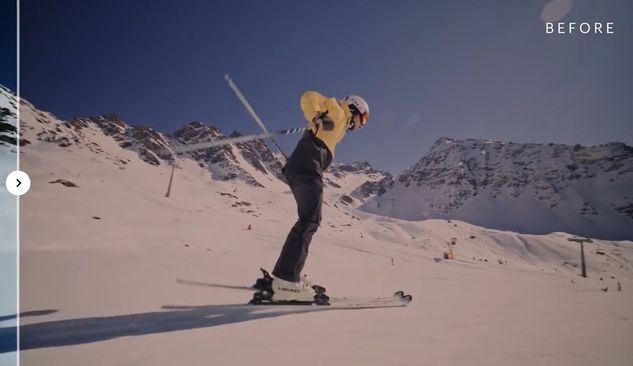
Motion of Light
Brightens your footage with strong contrast and vivid colors.
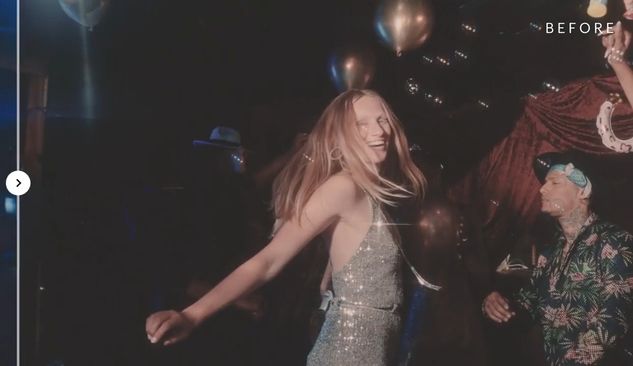
Frame One
Keeps brightness natural with deep contrast and accurate colors.
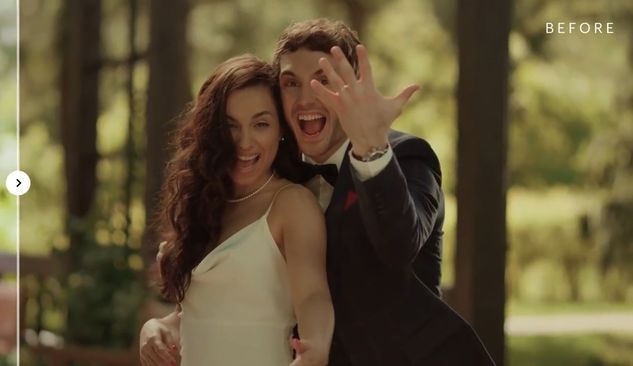
True to Life
Softens highlights for a dreamy feel with balanced contrast.
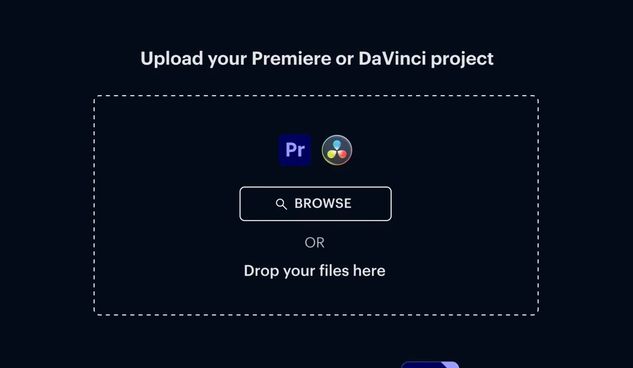
Have your own signature look?
Upload your LUTs and Imagen will adapt them to every clip in your footage.
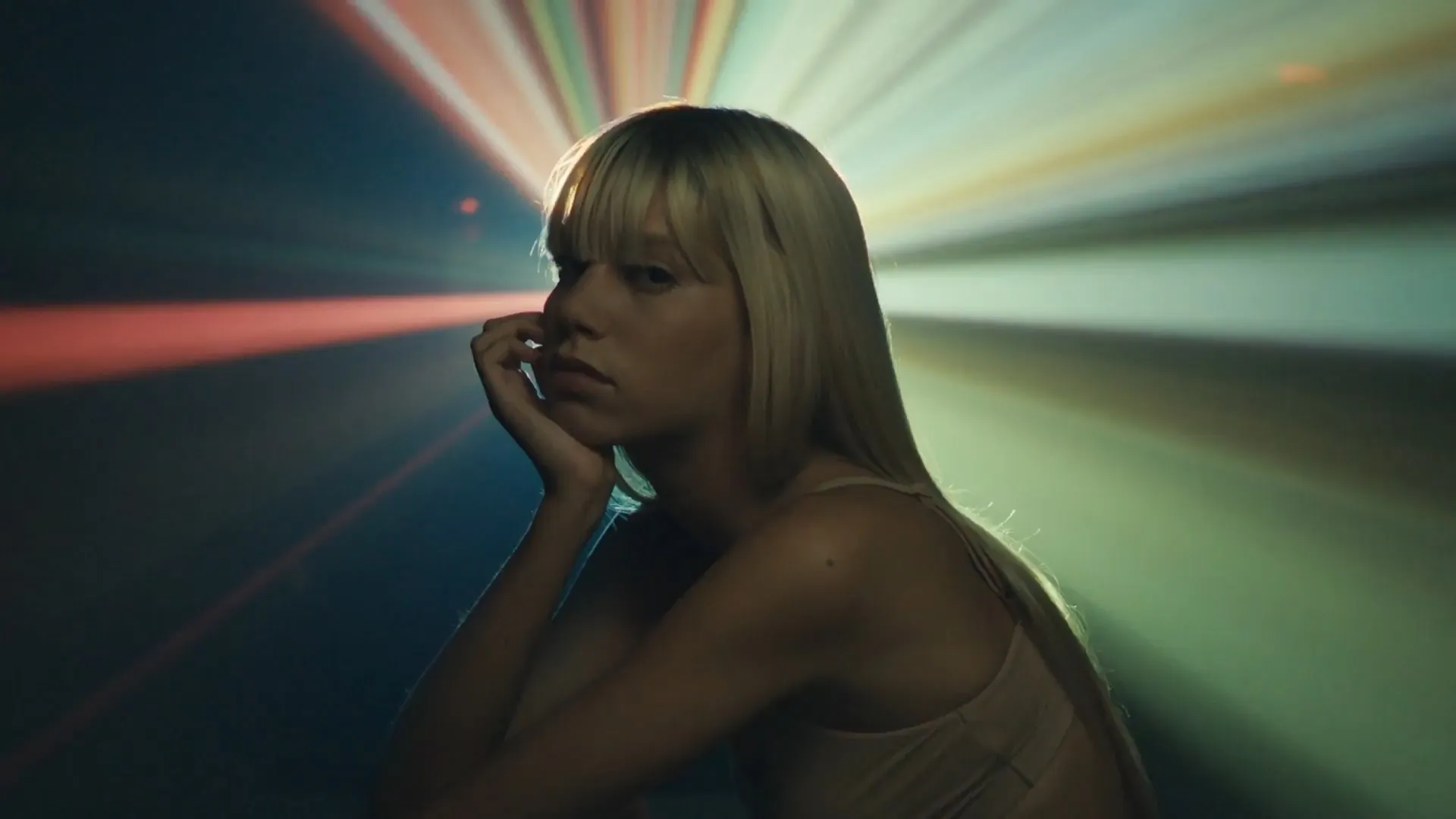
Professional results that speak for themselves
The difference you’ll feel on a Friday afternoon
Next-morning turnarounds
Deliver your work by 9 AM. We process high-volume studio shots in minutes with our demo reel color grading software. You'll match your brand look clip by clip and keep control over the files.
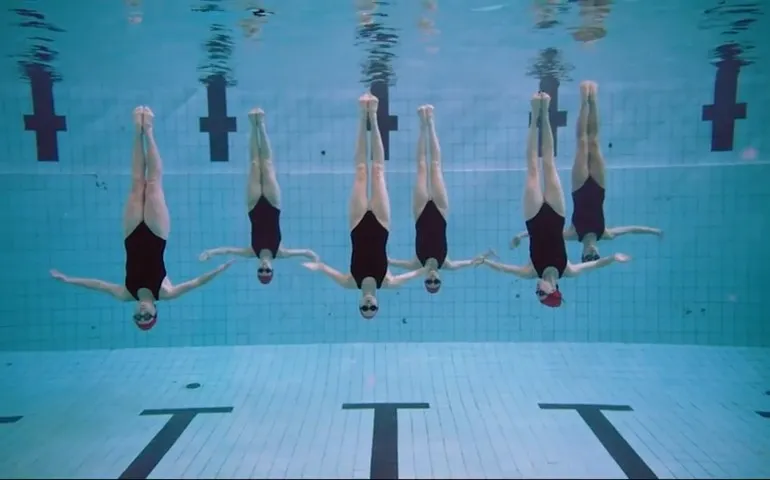
Consistent looks every time
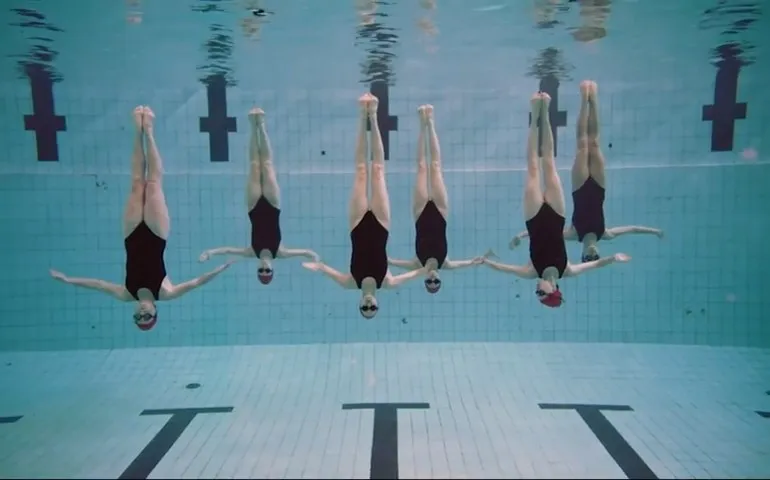
Maintain a uniform look across 1,000 subjects, multiple campaigns, and different photographers. Imagen applies your Personal AI Profile to product shots so you don't spend 40 hours on a reel.
Used by editors who got their weekends back

“I was blending shots from different cameras. Imagen blended everything well together. It’s almost too easy”
“Wow. The color correction turned out much better than I expected. Thank you for creating this.”
“I love this software. Cut down my coloring time to mere minutes.”
“I was blending shots from different cameras where student workers used different settings- one in Log, one in auto color.”
“I’ll shoot interviews with two or three cameras, all Sony, using Sony glass- but they never match perfectly.”
“This was great! Nearly spot on in terms of exposure, shadows, highlights, blacks, etc.”
Black Friday offers
Simple plans. Serious results
Good color used to cost a fortune in time. This doesn’t.
Pay-As-You-Go
Black Friday
No commitment. Just process minutes when you need them.
Was US$1now US$0.60/minuteInvoiced monthly
No base fee. Pay only for the minutes you process.
Start for free- Grade any project, pay only for what you use
- Full access to AI Profiles and LUT-based grading
- Perfect for project-based work
- Cancel anytime
Best value
Starter Pack
Black Friday
For editors with consistent workloads. Grade more, pay less per minute.
Was US$30now US$18/monthIncludes 50 minutes (US$0.36 per min)
Extra minutes for just US$0.60 / min
Start for free- Unused minutes roll over
- Full access to AI Profiles and LUT-based grading
- Best per-minute rate
- Cancel anytime
Bigger teams.
Smarter rates.
Talk to us
* Custom pricing
Contact sales- Better rates as your team grows
- Every editor on one account
- One invoice. Zero admin headaches
- Dedicated account support
You’re probably wondering...
What exactly is studio and product photographers editing when creating a demo reel?
It is the process of matching colors, tones, and lighting across all your portfolio shots to create a cohesive video or slideshow. When you produce a reel, consistency is everything. You need your studio lighting to look identical from frame to frame. Our demo reel color grading software learns your specific style and applies it to every single image. Whether you shoot a bright white background or a moody dark setup, the AI keeps the subject perfectly exposed. You stay in full control of the final look. You don't need to spend 10 hours tweaking individual sliders to match your brand style. You get consistent results in minutes. We help you cut your post-production time by 90%, so you can focus on booking new clients. Your subject always pops, and your background remains clean across the entire sequence.
How does Imagen handle batch editing for a product photography demo reel?
We process your entire catalog at once to guarantee a uniform look across your demo reel. You upload your RAW files, and the AI analyzes each photo individually. It looks at the specific lighting on your subject and the exact tones of your studio background. Because we built this as a dedicated demo reel color grading software, it knows how to maintain your brand colors clip by clip. You get your edits back in record time, often editing 1,000 photos in under 10 minutes. This speed lets you assemble your portfolio quickly without sacrificing quality. The AI applies your Personal AI Profile to ensure every frame matches your distinct style. You never have to worry about a sudden color shift ruining the flow of your video. You simply review the results, make any small tweaks, and export. You keep total creative control while we do the heavy lifting of matching exposures and white balance.
How is this different from doing it manually in your standard editing program?
Manual editing requires you to adjust sliders for every single frame to keep your demo reel consistent. This takes hours of tedious work. Our demo reel color grading software automates the matching process based on your previous edits. When you work manually, a slight change in your studio lighting can force you to start over on a whole batch of images. Imagen learns how you handle these lighting shifts. It automatically adjusts the exposure on your subject and corrects the color temperature of your background. You save up to 96% of your editing time compared to clicking through photos one by one. The AI acts as your assistant, applying your exact brand look clip by clip. You still make the final call on every image, but you start from a nearly finished point. This means you publish your promotional materials faster and get back behind the camera where you belong.
Does the software work with RAW files from my studio camera?
Yes, you can upload RAW files directly from any major camera brand. We process these files to pull the maximum amount of color data for your demo reel. Working with RAW files gives the AI more information about the highlights on your subject and the shadows in your background. This deep data extraction is exactly what makes our demo reel color grading software so accurate. It reads the original sensor data from your studio session and applies your Personal AI Profile flawlessly. You get smooth gradients and perfect color matches clip by clip. The software integrates directly with your existing editing catalog. You don't need to convert your files or change your import process. You simply shoot your products, import your RAW files, and send them for editing. You get back fully graded files that are ready to be compiled into your promotional video in minutes.
How does AI color grading affect my turnaround time for clients?
You can deliver final galleries and promotional videos in a fraction of the time. Most photographers spend days trying to match colors across a massive product shoot. By using our demo reel color grading software, you reduce that time to just a few minutes. You can process 1,000 images in under 10 minutes. This massive speed boost means you can take on more studio clients without working late into the night. The AI consistently balances the light on your subject and cleans up the color cast on your background. Because the edits match your brand look clip by clip, your review process is incredibly fast. You get to wow your clients with next-day delivery while maintaining your high standards. You stay in complete control of the final export, but you eliminate the tedious hours of matching exposures manually. This fast turnaround leads to happier clients and more referrals for your business.
Can the AI match my specific brand look across different product shoots?
It absolutely matches your exact style across every single project. You train your own Personal AI Profile using your past edited catalogs. The AI learns exactly how you prefer to light your subject and how you edit your background. Once trained, this demo reel color grading software applies your unique brand look clip by clip. If you shoot a dark and moody campaign on Tuesday and a bright e-commerce project on Thursday, your profile knows how to handle your core aesthetic. You get a consistent vibe that ties all your studio work together. This consistency is vital when you build a portfolio video to attract new clients. Viewers see a cohesive style from start to finish. You never look like you rely on generic filters. You get your authentic editing style applied at massive scale, saving you hundreds of hours a year while keeping your portfolio looking incredibly professional.
What happens if the lighting changes during my studio session?
The AI automatically adapts to lighting shifts from photo to photo. Even in a controlled studio, a strobe might misfire or ambient light might shift. Our demo reel color grading software analyzes every single frame independently. It adjusts the exposure, contrast, and white balance to ensure your subject looks identical across the entire sequence. If a shadow falls across your background, the AI compensates to match the surrounding images. This frame-by-frame analysis guarantees your brand look stays consistent clip by clip. You don't have to manually group photos by lighting conditions before editing. You simply send the whole catalog, and the software balances everything for you. You remain the director, reviewing the final gallery and making any tiny adjustments before exporting. This intelligent adaptation saves you from the frustration of fixing inconsistent lighting and lets you focus on creating a stunning final video.
Do I lose creative control when using AI for my product photos?
You keep 100% of your creative control from start to finish. We built Imagen to act as your editing assistant, not your replacement. The software applies your Personal AI Profile to get the images 90% of the way to the finish line. You always have the final say. When you review the edits, you can adjust the brightness on your subject or tweak the saturation of your background using standard editing sliders. Our demo reel color grading software simply removes the tedious baseline work. It matches your brand look clip by clip so you can focus on the creative touches. If you decide to change the vibe of a specific studio shoot, you just tweak a few photos and the AI learns from those adjustments for next time. You dictate the style, and the AI executes the repetitive tasks, giving you back hours of your day.
Why use a dedicated AI profile instead of standard presets for my portfolio?
Standard presets apply the exact same static adjustments to every photo regardless of the lighting. If your exposure drops slightly, a preset will leave your subject looking too dark. A Personal AI Profile actively analyzes the unique data in every single image. It adjusts the sliders dynamically to correct for variations in your studio lighting. This is why it works perfectly as demo reel color grading software. It keeps a flawless match clip by clip. If you shoot a glossy product against a matte background, the AI understands how to balance those specific elements based on your previous work. Presets force you to spend hours tweaking the sliders after you apply them. Our AI does that tweaking for you instantly. You get a completely custom, consistent look across thousands of photos in minutes. You save massive amounts of time while delivering a far superior final product to your clients.
How many photos do I need to edit to create my custom profile?
You need at least 3,000 previously edited photos to build your Personal AI Profile. This number gives the AI enough data to understand how you handle different lighting scenarios in your studio. It learns exactly how you prefer to expose your subject and how you treat your background colors. By analyzing a large batch of your past work, our demo reel color grading software can accurately replicate your brand look clip by clip. You just select your best catalogs that represent your consistent style and upload them. The system builds your profile in about 24 hours. Once it finishes, you can immediately start editing new shoots at blazing speeds. If you don't have 3,000 photos yet, you can use our pre-built AI Profiles created by industry professionals. You still get incredible consistency and save hours of editing time while you build up your own catalog of images.