
 Rated 4.8/5
AI Canon Log Color Grading Software
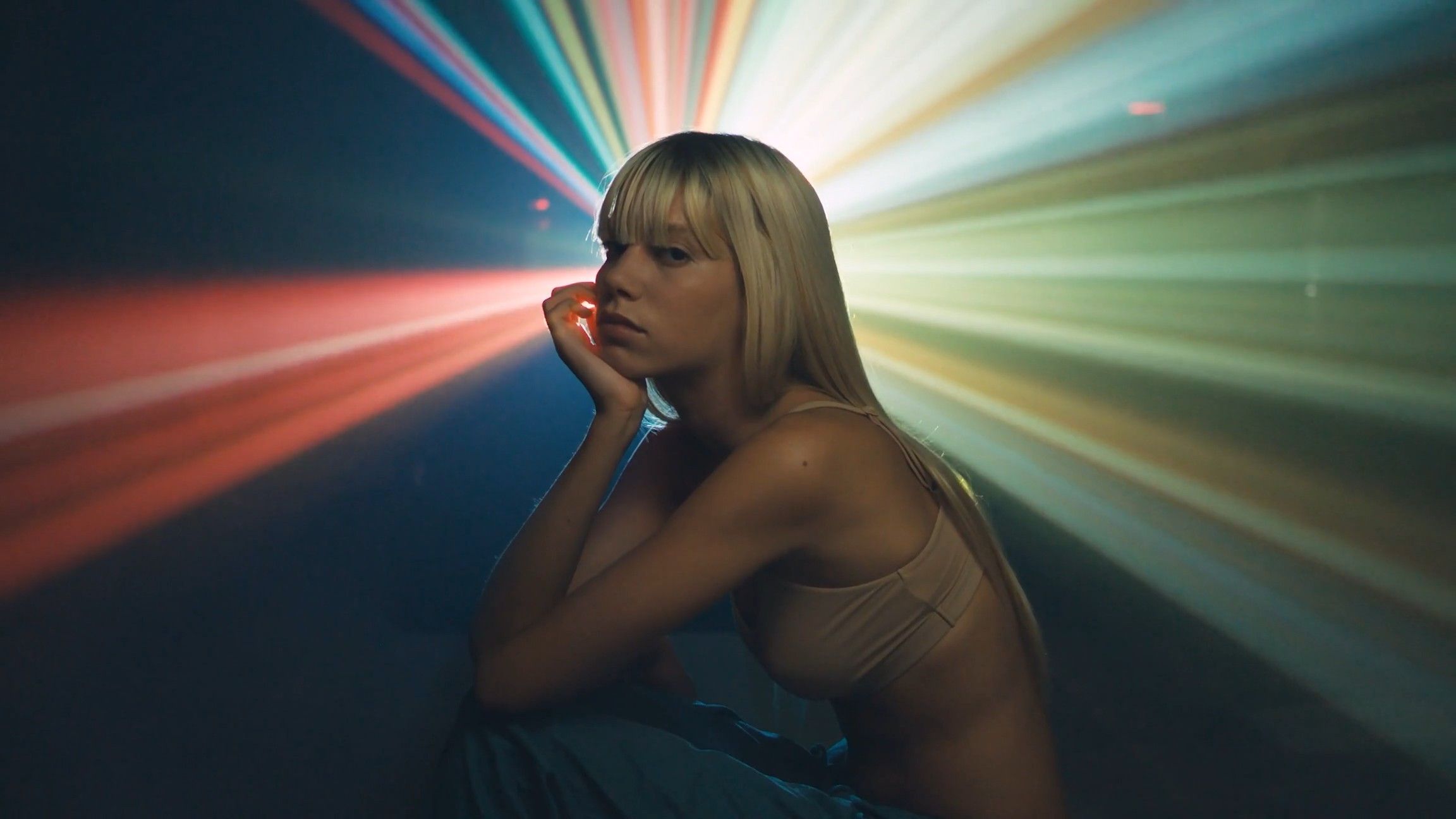
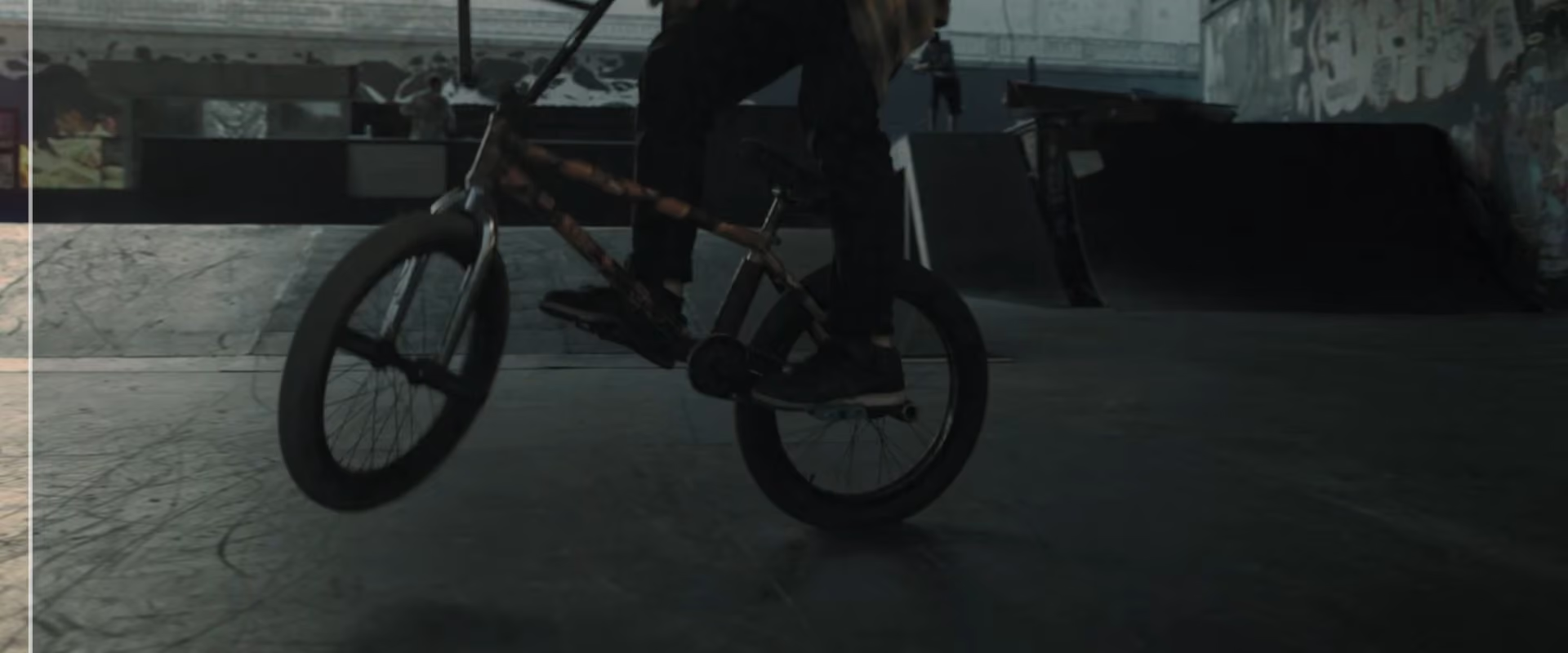
Canon Log footage arrives flat and gray, and every clip needs its own push. Imagen grades video clip by clip toward the look you set, built for editors who finish in Premiere Pro.
Compatible with

*No credit card required
Pick a look
Or bring your own
AI Profiles by Imagen
Professionally trained looks, adapted clip by clip across your footage
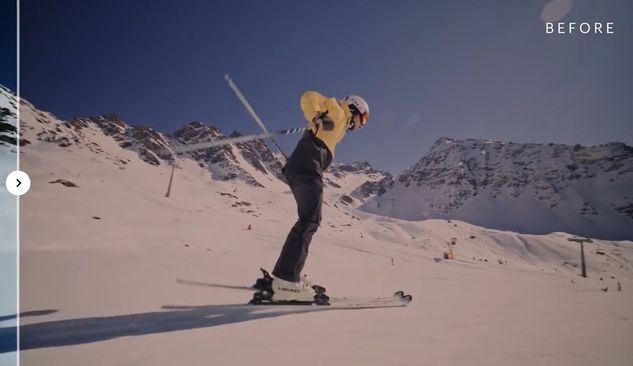
Motion of Light
Brightens your footage with strong contrast and vivid colors.

Frame One
Keeps brightness natural with deep contrast and accurate colors.
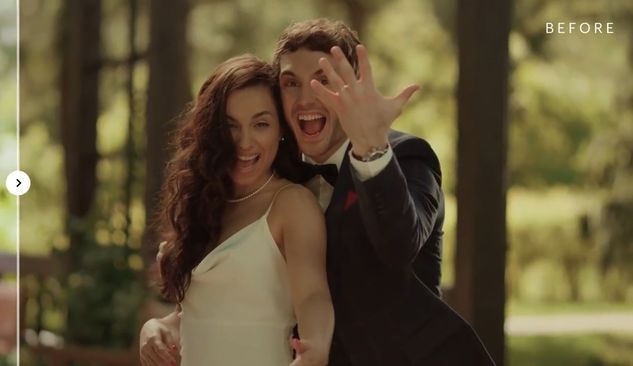
True to Life
Softens highlights for a dreamy feel with balanced contrast.
Have your own signature look?
Upload your LUTs and Imagen will adapt them to every clip in your footage.
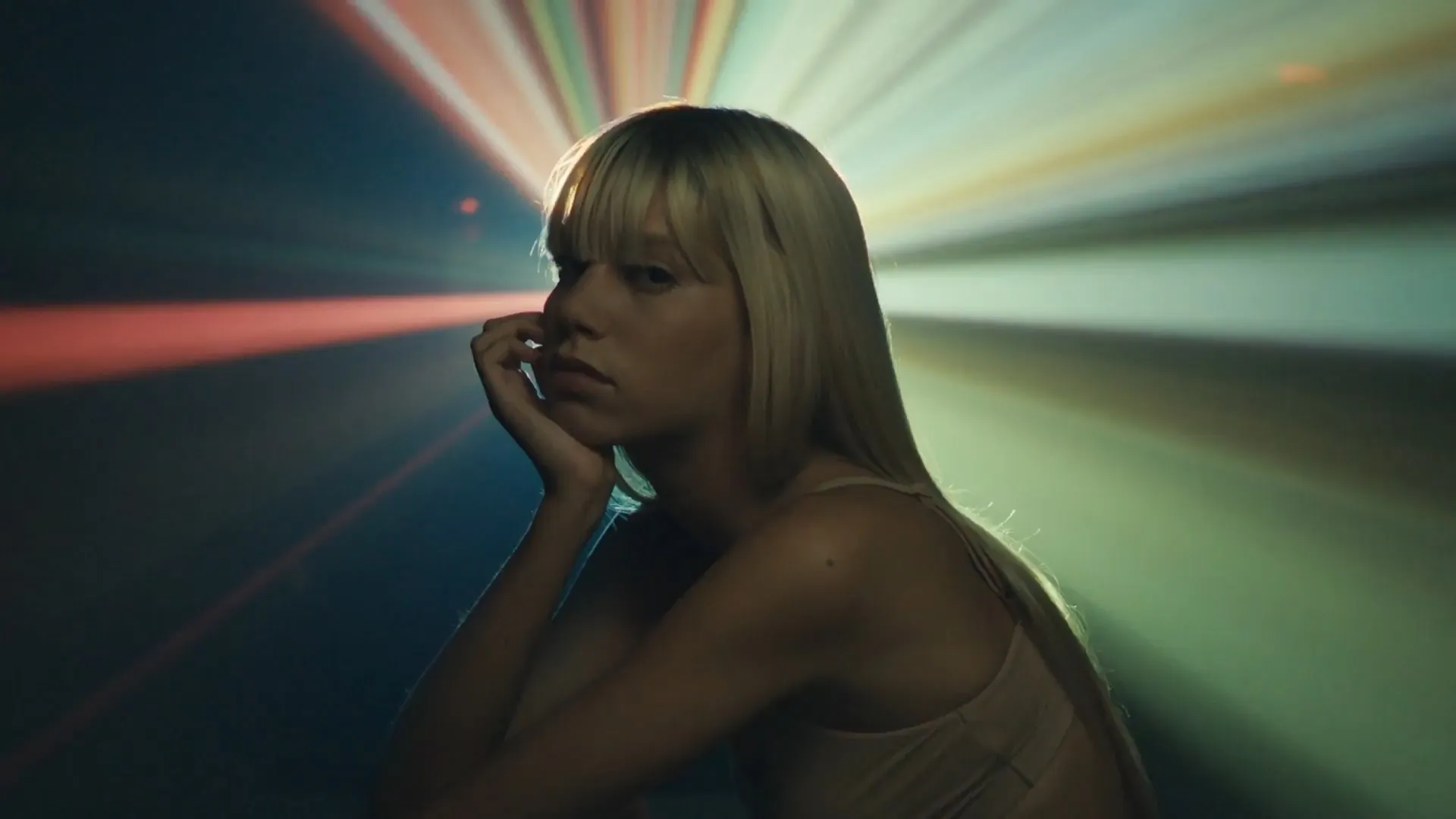
Professional results that speak for themselves
The difference you’ll feel on a Friday afternoon
Log clips each need individual attention
Log footage hides contrast and saturation on purpose, and each clip lands differently depending on exposure and light. Matching forty clips by hand can eat an evening. Imagen reads every clip on its own and grades it toward the look you want.


Grade first, then finish in Premiere Pro
Imagen grades clip by clip, then you take the footage into Premiere Pro to cut, adjust and deliver. You review each grade before anything moves on. It is a grading aid for editors, not a replacement for your judgment.
Used by editors who got their weekends back

“I was blending shots from different cameras. Imagen blended everything well together. It’s almost too easy”
“Wow. The color correction turned out much better than I expected. Thank you for creating this.”
“I love this software. Cut down my coloring time to mere minutes.”
“I was blending shots from different cameras where student workers used different settings- one in Log, one in auto color.”
“I’ll shoot interviews with two or three cameras, all Sony, using Sony glass- but they never match perfectly.”
“This was great! Nearly spot on in terms of exposure, shadows, highlights, blacks, etc.”
Black Friday offers
Simple plans. Serious results
Good color used to cost a fortune in time. This doesn’t.
Pay-As-You-Go
Black Friday
No commitment. Just process minutes when you need them.
Was US$1now US$0.60/minuteInvoiced monthly
No base fee. Pay only for the minutes you process.
Start for free- Grade any project, pay only for what you use
- Full access to AI Profiles and LUT-based grading
- Perfect for project-based work
- Cancel anytime
Best value
Starter Pack
Black Friday
For editors with consistent workloads. Grade more, pay less per minute.
Was US$30now US$18/monthIncludes 50 minutes (US$0.36 per min)
Extra minutes for just US$0.60 / min
Start for free- Unused minutes roll over
- Full access to AI Profiles and LUT-based grading
- Best per-minute rate
- Cancel anytime
Bigger teams.
Smarter rates.
Talk to us
* Custom pricing
Contact sales- Better rates as your team grows
- Every editor on one account
- One invoice. Zero admin headaches
- Dedicated account support
You’re probably wondering...
What does Imagen do with Canon Log footage?
Log footage is flat by design, and grading it clip by clip is exactly what Imagen Video is built around. Instead of dropping one fixed LUT on everything, it reads each clip, so a shot a stop brighter than its neighbor gets different treatment. The goal is a set of clips that sit together as one look. Confirm your exact camera and codec on the product page or with support before a large project.
Does Imagen replace my editing software?
No. Imagen Video grades footage only. You still cut, add titles, mix audio and export in Premiere Pro, where the rest of your timeline already lives. Think of Imagen as the grading step that happens before the edit, so you open Premiere with clips that already look right next to each other and spend your time on pacing and story.
How consistent are the results across a whole project?
Consistency is the point of grading clip by clip. Interview angles, b-roll and handheld inserts all start from the same target look, then Imagen corrects for the exposure and white balance differences between them. You can still review every clip and adjust any grade you disagree with, so the final call stays with you, particularly on hero shots where the grade carries the mood.
Do I have to grade every clip manually afterwards?
Usually not every clip. Most of a project tends to land close to the target, and you spend your attention on the handful of clips that need a custom touch, such as a mixed-light interior or a backlit window shot. That shifts the work from fixing forty clips to reviewing forty clips and fixing a few, which is a very different evening.
Is this the same as the Imagen photo editing product?
It comes from the same company and the same idea: learn the look, then apply it at volume. Photo editing works on stills and goes back to Lightroom Classic. Video works on clips and is designed for Premiere Pro editors. They are separate workflows, so check which one fits the project in front of you. If the same shoot also produced stills, those go through the photo product instead.
What does Imagen Video cost?
Plans and rates for Imagen are listed on the pricing page, and they can change, so check there for how video work is billed. Photo plans use pay-as-you-go, with a monthly base fee plus a charge per exported photo, or Limitless, a fixed fee. For a video project, confirm the current terms with the Imagen team before you plan a budget around it.