
 Rated 4.8/5
4K Video Color Grading Software
A 4K project can have hundreds of clips shot in different light. Imagen grades them clip by clip and hands the result to Premiere Pro, so you start from a matched timeline instead of a pile of raw shots.
Compatible with

*No credit card required
Pick a look
Or bring your own
AI Profiles by Imagen
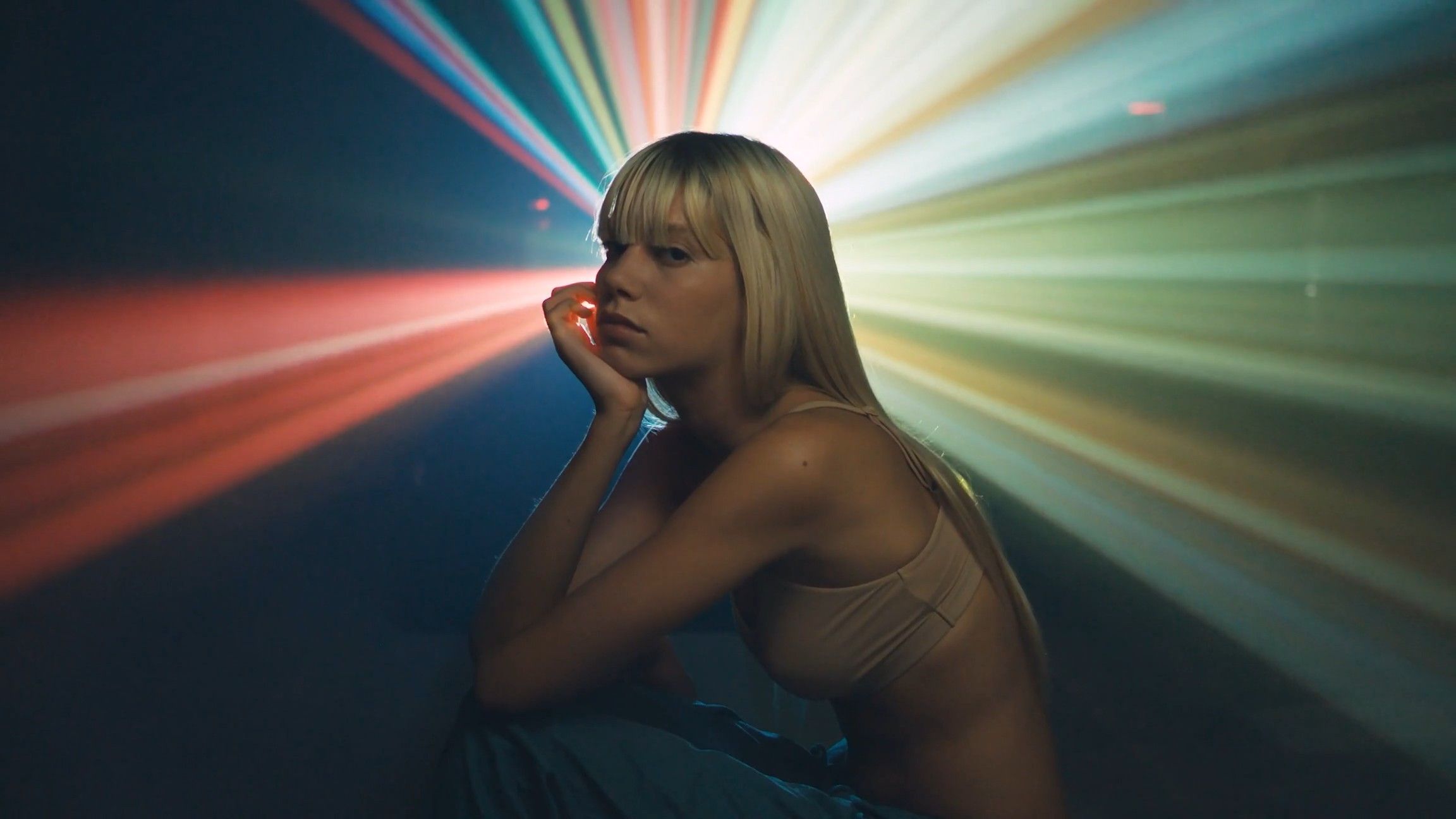
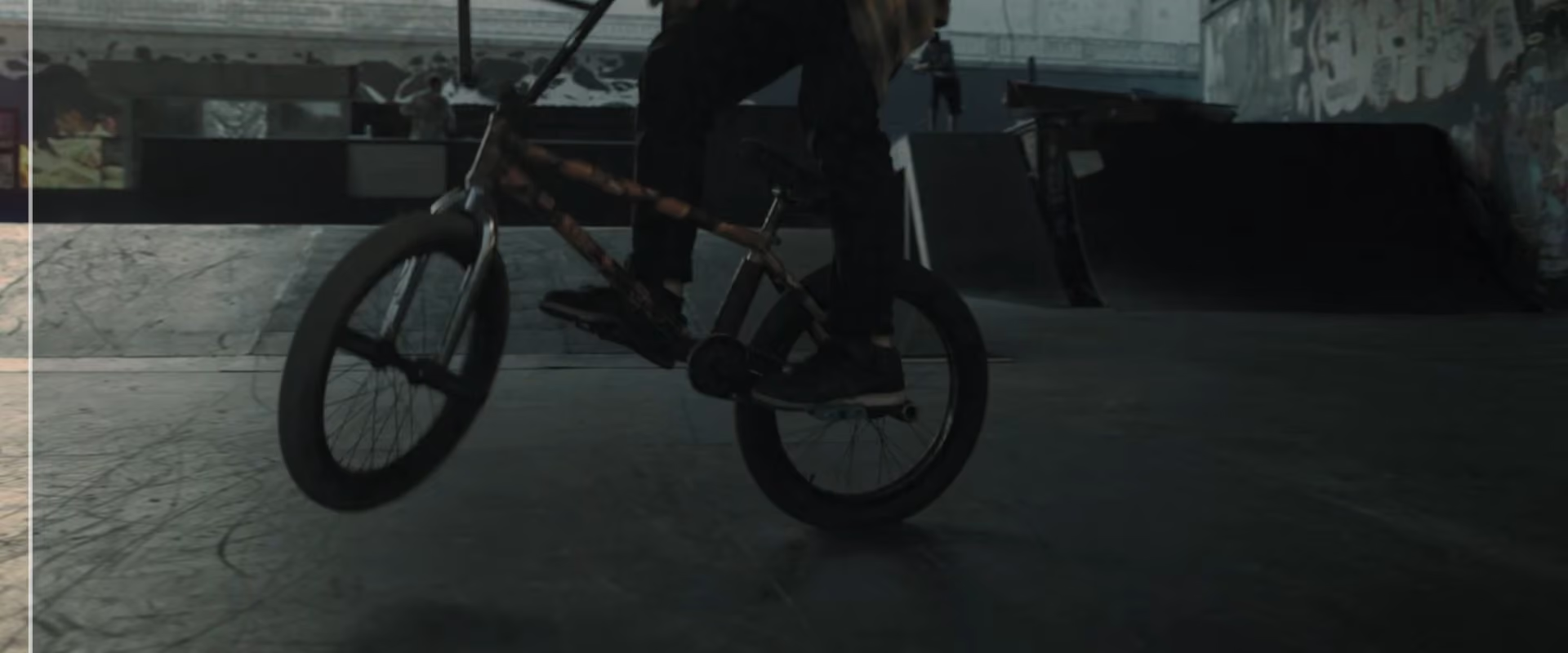
Professionally trained looks, adapted clip by clip across your footage
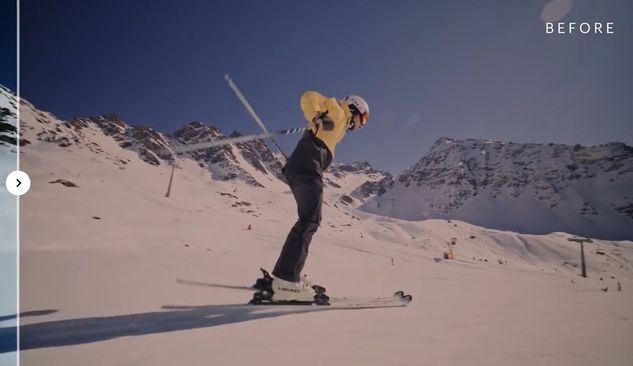
Motion of Light
Brightens your footage with strong contrast and vivid colors.
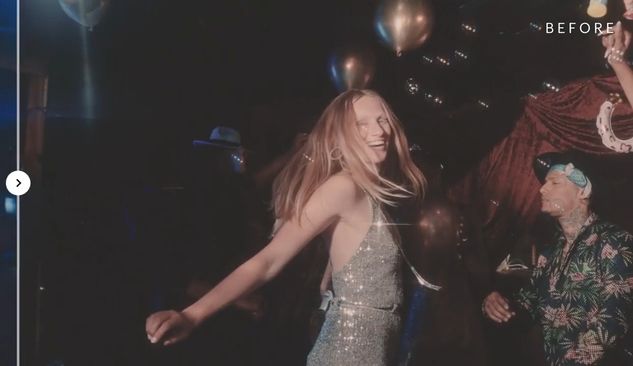
Frame One
Keeps brightness natural with deep contrast and accurate colors.
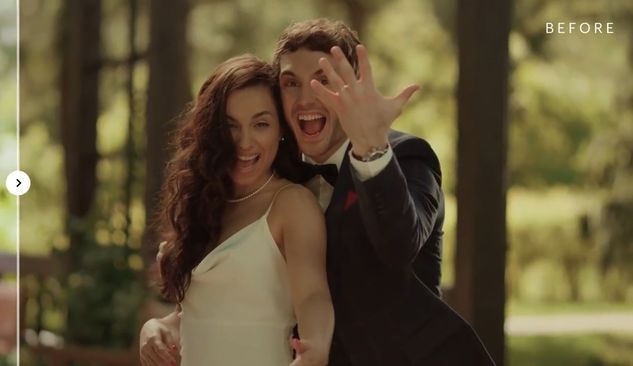
True to Life
Softens highlights for a dreamy feel with balanced contrast.
Have your own signature look?
Upload your LUTs and Imagen will adapt them to every clip in your footage.
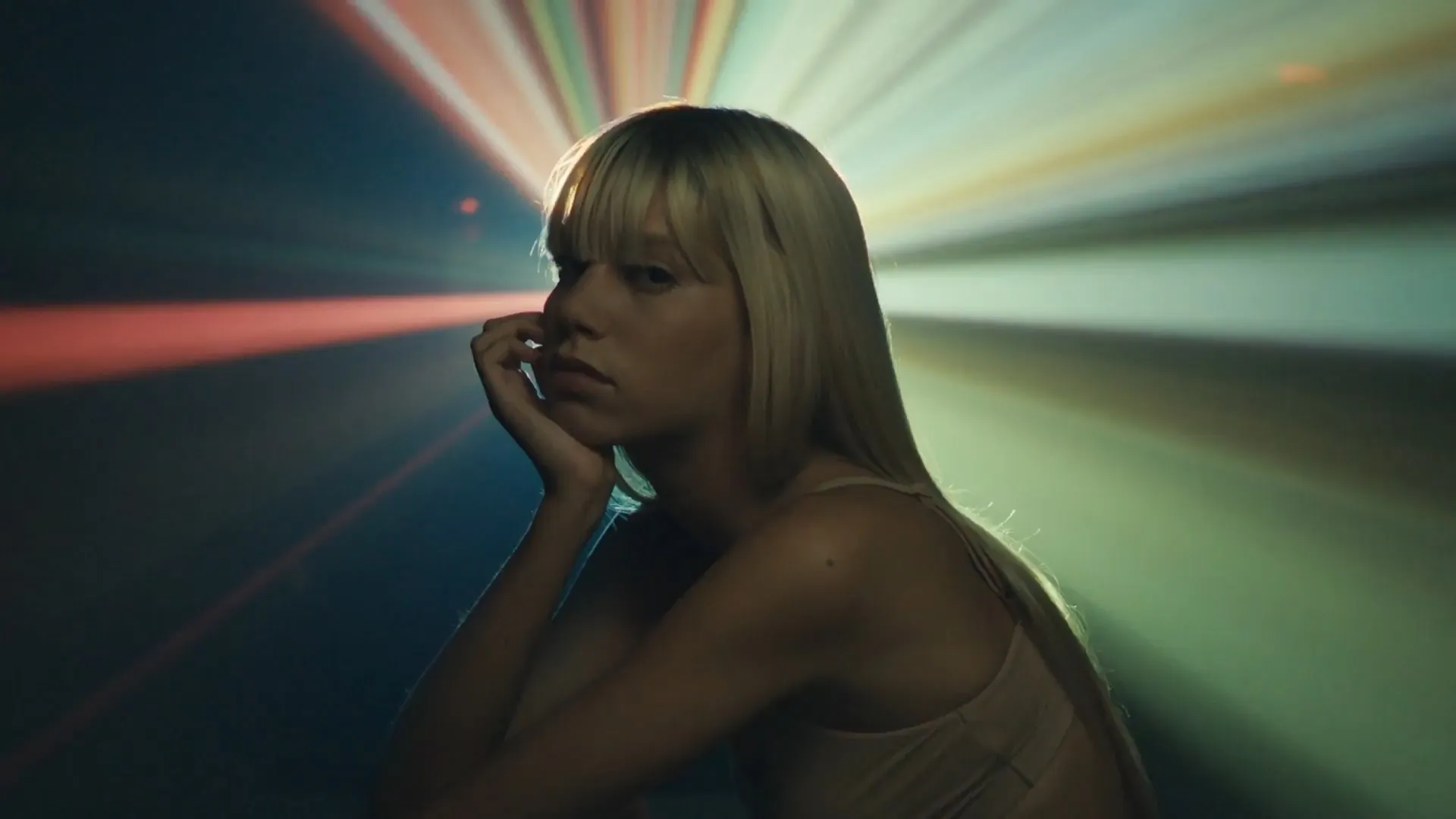
Professional results that speak for themselves
The difference you’ll feel on a Friday afternoon
Hundreds of 4K clips, no match
Every setup, lens and time of day changes how a clip looks. Balancing them one at a time before you even begin the creative grade can swallow a full day on a mid sized project.
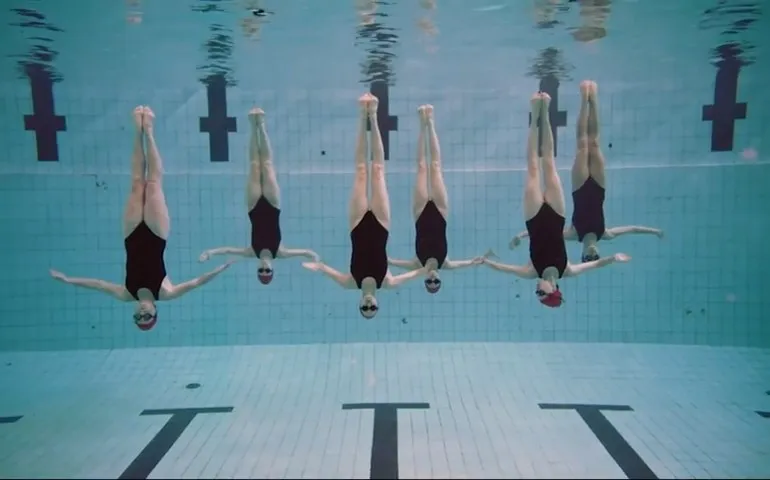

A matched starting point in Premiere
Imagen grades each clip on its own and brings the set toward a consistent look. You open the project in Premiere Pro, review it, and spend your effort on the part clients actually notice.
Used by editors who got their weekends back

“I was blending shots from different cameras. Imagen blended everything well together. It’s almost too easy”
“Wow. The color correction turned out much better than I expected. Thank you for creating this.”
“I love this software. Cut down my coloring time to mere minutes.”
“I was blending shots from different cameras where student workers used different settings- one in Log, one in auto color.”
“I’ll shoot interviews with two or three cameras, all Sony, using Sony glass- but they never match perfectly.”
“This was great! Nearly spot on in terms of exposure, shadows, highlights, blacks, etc.”
Black Friday offers
Simple plans. Serious results
Good color used to cost a fortune in time. This doesn’t.
Pay-As-You-Go
Black Friday
No commitment. Just process minutes when you need them.
Was US$1now US$0.60/minuteInvoiced monthly
No base fee. Pay only for the minutes you process.
Start for free- Grade any project, pay only for what you use
- Full access to AI Profiles and LUT-based grading
- Perfect for project-based work
- Cancel anytime
Best value
Starter Pack
Black Friday
For editors with consistent workloads. Grade more, pay less per minute.
Was US$30now US$18/monthIncludes 50 minutes (US$0.36 per min)
Extra minutes for just US$0.60 / min
Start for free- Unused minutes roll over
- Full access to AI Profiles and LUT-based grading
- Best per-minute rate
- Cancel anytime
Bigger teams.
Smarter rates.
Talk to us
* Custom pricing
Contact sales- Better rates as your team grows
- Every editor on one account
- One invoice. Zero admin headaches
- Dedicated account support
You’re probably wondering...
Does Imagen work with 4K footage?
Imagen grades video clip by clip for editors working in Premiere Pro, and 4K projects are the kind of volume it is meant to take on. Check the current supported formats and codecs in the Imagen help center before you start, since camera formats change often. If your camera writes a format Imagen does not read yet, transcode a copy first and keep the originals untouched. Test a short sequence from your real camera first, so you know how your files behave before you commit a full project.
What does it actually adjust on each clip?
It works on the basics that make a timeline look uneven: exposure, white balance and overall tone. Each clip is graded separately so a bright exterior and a dim interior both land near a common look. It does not generate or replace footage. The creative grade, the contrast curve and the stylized look stay in your hands inside Premiere Pro. Because the match happens before your creative pass, you can judge the technical balance and the look as two separate decisions.
Will grading 4K clips lose detail?
Imagen applies a grade to your real footage and does not generate new pixels, so the detail your camera captured is what you keep working with. As with any color work, extreme corrections on underexposed shots can bring up noise. Review the dark clips in Premiere Pro and fix those individually if a shadow looks rough. A quick pass through your shadows and skies at full size will tell you whether any clip needs extra attention.
How does it fit an editor's workflow?
You hand Imagen your clips, it grades them clip by clip, and the result comes into Premiere Pro. From there you cut as usual. Because the clips already sit close together in exposure and color, scenes stitch with fewer jarring jumps and you correct exceptions instead of every shot. It sits before your edit, not instead of it. This also makes handoff easier, since a second editor opening the project sees clips that already sit in a similar range.
Can I still do my own creative grade on top?
Yes, and that is the intended use. Imagen gets the technical match done so your time goes to the look: contrast, mood, a film emulation or a client reference. Everything stays editable in Premiere Pro. Think of it as the first pass a junior colorist would do, with you making every final call. If a client sends a reference frame, match it in Premiere Pro after the clips are balanced, which is much quicker than matching from raw.
How do I find out what 4K grading costs?
Video prices are not listed on this page, so check the Imagen pricing page for current plans. For reference on photos, pay-as-you-go is a monthly base fee plus a charge per exported photo, and Limitless is a fixed fee. Contact the team with your expected 4K clip volume and ask how video is billed for it. Having the number of clips and total runtime ready will make that conversation faster and give you a more useful answer.