이매진으로 상상대로 일해요
전문 사진작가를 위한 새로운 지능형 스튜디오가 찾아왔어요. 더 많이 해내고, 더 빠르게 움직이며, 언제나 당신의 뜻을 따라요.
새로운 경험은 현재 베타 버전이며 단계적으로 제공되고 있어요

새로운 소식
New편집기
최고 수준의 편집기로 모든 조정을 확인하고, 사진마다 미세 조정하고, 도구를 바꾸지 않고 마무리까지 완성하세요.

01
새 이매진 작동 모습 보기
참여할래요곧 만나요
AI가 새로운 기술을 배우는 중이에요
이매진을 더 똑똑하게 만들 기능을 준비하고 있어요. 다음 소식을 살짝 보여드려요:
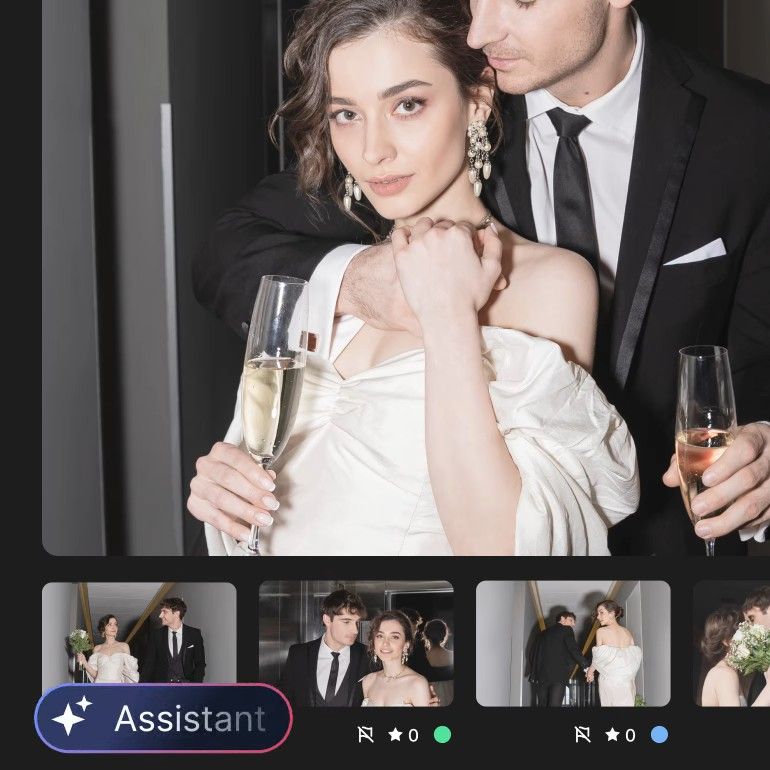
선제적 인사이트
전달 전에 문제와 놓친 개선점을 찾도록 맞춤 제안을 받아보세요.
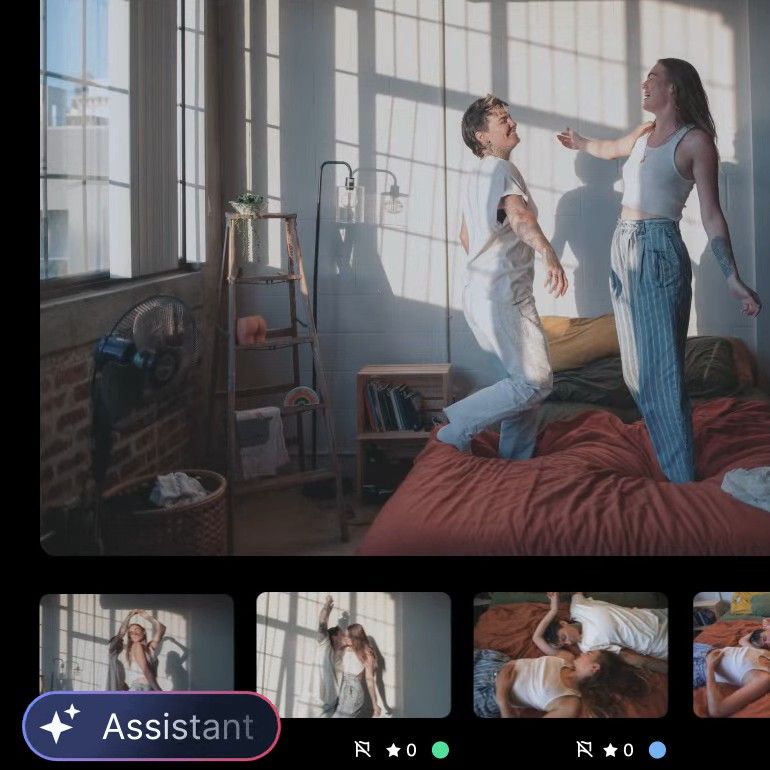
하면서 미세 조정
퍼스널 AI 프로필은 이매진에서 편집할 때마다 별도 학습 없이 알아서 성장해요.
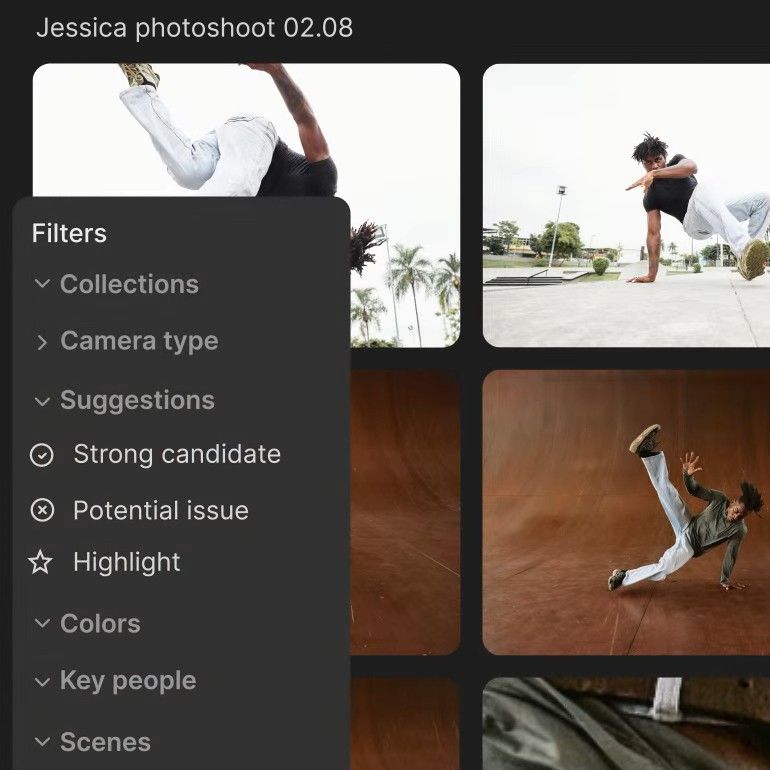
더 똑똑하게 컬하는 방법
컬링 지원과 똑똑한 등급 추천으로 keeper를 빠르게 찾아보세요.
자주 묻는 질문
What is Imagen Studio?
Imagen Studio is Imagen’s new workspace for professional photographers, where you cull, edit, review and export a shoot in one project. Your Personal AI Profile edits every photo in your style, and the assistant lets you find photos and adjust their edits across the whole set in plain words.
Studio imports from a folder or a Lightroom catalog, and exports finished JPEGs or publishes straight to a Pic-Time gallery. It’s currently in beta and rolling out gradually.
Can I edit photos by telling Imagen what I want?
Yes. Type an instruction like “make the ceremony photos warmer”, and the assistant finds those photos and moves their sliders: exposure, tone curve, HSL, color grading, black and white, grain, vignette and sharpening. It can also copy an edit to other photos, undo a specific change, sort, make collections and cull again.
What it doesn’t do yet: it doesn’t apply AI tools, AI Profiles or presets by itself (it opens the screen for you to confirm), and it doesn’t export. It can’t mask one area or generate images, and vague requests like “the romantic moments” don’t work well. It’s available once a project’s culling and editing have finished. The assistant uses no credits; a daily limit applies. Read what the assistant can and can’t do (yet).
How is it different from Lightroom Prompt to Edit?
Prompt to Edit generates a new version of one photo from your words, saved as a new AI-generated DNG, and every try uses generative credits. It’s in Lightroom desktop only, not Lightroom Classic. Imagen’s assistant controls your edits in plain words across the whole shoot: it moves the sliders you’d move by hand and keeps your original pixels. And Imagen’s AI edits carry over to your Lightroom Classic catalog.
Generative fixes, like replacing a sky, are Prompt to Edit’s job, and the assistant doesn’t do them. For the two side by side, see Lightroom Prompt to Edit vs Imagen.
Can I keep using Lightroom Classic?
Yes. Studio takes a shoot from raw files to finished photos on its own, but Lightroom stays an option: your AI edits and ratings carry over to Lightroom Classic, so you can finish there as you do today. Edits you make in Studio’s own editor don’t carry over.
Which AI tools work in Studio?
Studio includes AI culling and these AI tools: Crop, Straighten, Portrait Crop, Headshot Crop, Subject Mask, Background Mask, Smooth Skin and Whiten Teeth. You can try them on your gallery before you pay: you pay per exported photo with the tools applied, or a flat plan.
Culling in Studio marks closed eyes and out-of-focus shots, and you can cull again without uploading the shoot again.
Does the assistant create or change what’s in my photos?
No. The assistant works only with the photos you took. It moves the same sliders you would move by hand, so it never adds or removes a pixel, and it isn’t an image generator. Every change is an edit you can see, adjust or undo, and the creative call stays yours.
When did Imagen Studio launch?
Imagen introduced its intelligent studio on September 29, 2026, in Agentic photo editing is here. Studio is currently in beta and rolling out gradually. If you don’t have it yet, leave your email above and we’ll let you know when Studio is ready for you.