
Arbeite, wie du willst
Das neue intelligente Studio für professionelle Fotografen ist da. Es kann mehr, ist schneller und folgt immer deinem Kurs.
Das neue Erlebnis ist in der BETA-Phase und wird schrittweise freigeschaltet.

Was ist neu
NeuEditor
Der erstklassige Editor zeigt dir jede Anpassung, lässt dich jedes Foto feinabstimmen und die finale Optik perfektionieren, ganz ohne Werkzeugwechsel.

01
Sieh das neue Imagen in Aktion
Bin dabei!Demnächst
Unsere KI lernt neue Tricks
Wir arbeiten an weiteren Funktionen, die Imagen noch smarter machen. Hier ist ein Blick auf das, was bald kommt:
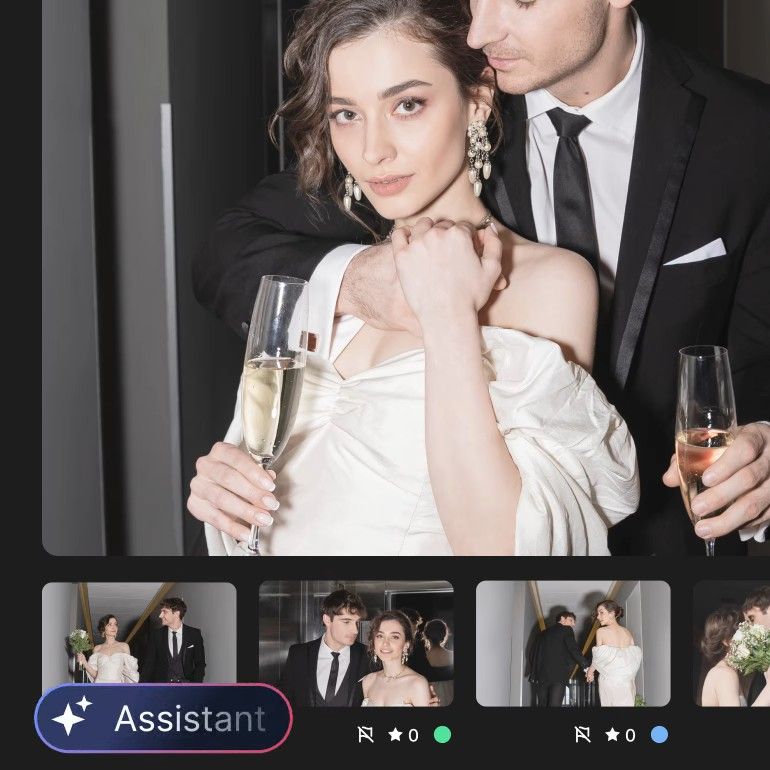
Proaktive Einblicke
Erhalte passende Vorschläge, damit du mögliche Probleme und verpasste Chancen vor der Lieferung entdeckst.
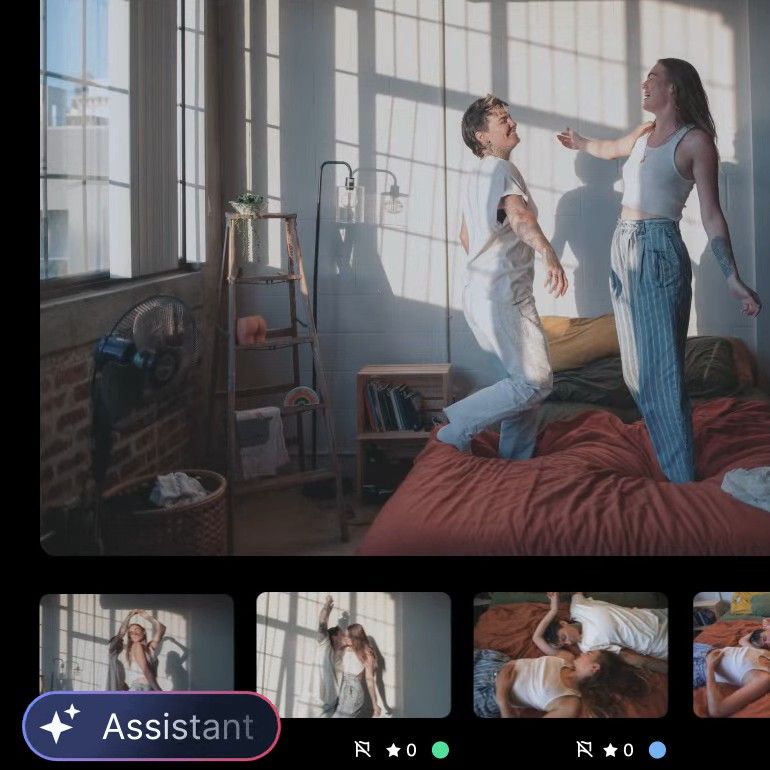
Laufend feinabstimmen
Dein Personal-AI-Profil entwickelt sich weiter, während du in Imagen bearbeitest, ganz ohne separates Training.
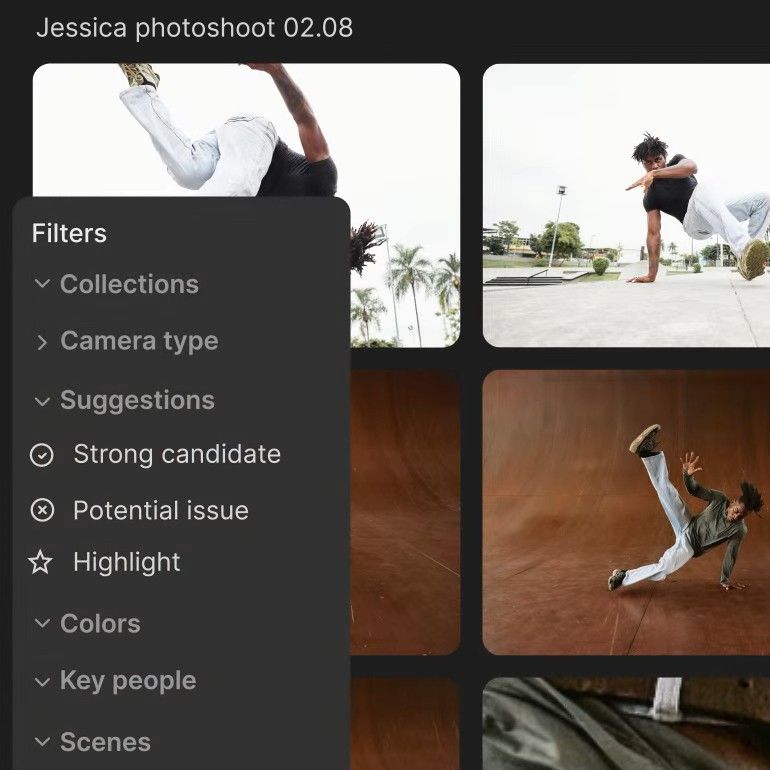
Smartere Bildauswahl
Finde zu behaltende Fotos schneller mit unterstützter Bildauswahl und cleveren Bewertungsempfehlungen.
Häufige Fragen
What is Imagen Studio?
Imagen Studio is Imagen’s new workspace for professional photographers, where you cull, edit, review and export a shoot in one project. Your Personal AI Profile edits every photo in your style, and the assistant lets you find photos and adjust their edits across the whole set in plain words.
Studio imports from a folder or a Lightroom catalog, and exports finished JPEGs or publishes straight to a Pic-Time gallery. It’s currently in beta and rolling out gradually.
Can I edit photos by telling Imagen what I want?
Yes. Type an instruction like “make the ceremony photos warmer”, and the assistant finds those photos and moves their sliders: exposure, tone curve, HSL, color grading, black and white, grain, vignette and sharpening. It can also copy an edit to other photos, undo a specific change, sort, make collections and cull again.
What it doesn’t do yet: it doesn’t apply AI tools, AI Profiles or presets by itself (it opens the screen for you to confirm), and it doesn’t export. It can’t mask one area or generate images, and vague requests like “the romantic moments” don’t work well. It’s available once a project’s culling and editing have finished. The assistant uses no credits; a daily limit applies. Read what the assistant can and can’t do (yet).
How is it different from Lightroom Prompt to Edit?
Prompt to Edit generates a new version of one photo from your words, saved as a new AI-generated DNG, and every try uses generative credits. It’s in Lightroom desktop only, not Lightroom Classic. Imagen’s assistant controls your edits in plain words across the whole shoot: it moves the sliders you’d move by hand and keeps your original pixels. And Imagen’s AI edits carry over to your Lightroom Classic catalog.
Generative fixes, like replacing a sky, are Prompt to Edit’s job, and the assistant doesn’t do them. For the two side by side, see Lightroom Prompt to Edit vs Imagen.
Can I keep using Lightroom Classic?
Yes. Studio takes a shoot from raw files to finished photos on its own, but Lightroom stays an option: your AI edits and ratings carry over to Lightroom Classic, so you can finish there as you do today. Edits you make in Studio’s own editor don’t carry over.
Which AI tools work in Studio?
Studio includes AI culling and these AI tools: Crop, Straighten, Portrait Crop, Headshot Crop, Subject Mask, Background Mask, Smooth Skin and Whiten Teeth. You can try them on your gallery before you pay: you pay per exported photo with the tools applied, or a flat plan.
Culling in Studio marks closed eyes and out-of-focus shots, and you can cull again without uploading the shoot again.
Does the assistant create or change what’s in my photos?
No. The assistant works only with the photos you took. It moves the same sliders you would move by hand, so it never adds or removes a pixel, and it isn’t an image generator. Every change is an edit you can see, adjust or undo, and the creative call stays yours.
When did Imagen Studio launch?
Imagen introduced its intelligent studio on September 29, 2026, in Agentic photo editing is here. Studio is currently in beta and rolling out gradually. If you don’t have it yet, leave your email above and we’ll let you know when Studio is ready for you.
Neu bei Imagen?
Starte heute mit Bearbeitung, die zu deinem Stil passt, dir die volle Kontrolle lässt und dir Stunden schenkt.
Imagen testen
 4.8Mit 4,8 von 5 bewertet